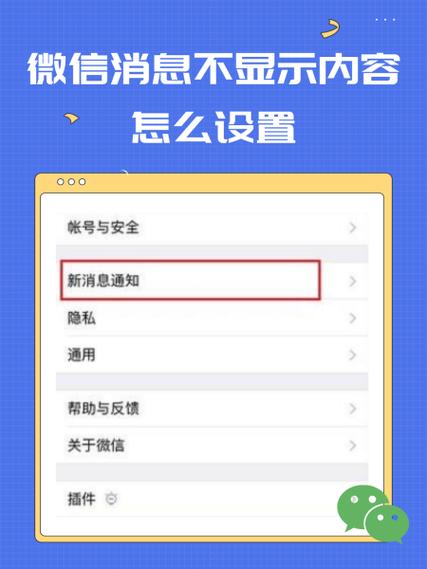
Apple offers a built-in feature to hide message previews for WeChat notifications. This helps protect privacy by preventing message content from appearing on the lock screen or notification center without unlocking. To enable it on iPhone: Go to Settings > Notifications > WeChat. Under "Alerts", disable "Show Previews". Alternatively, set it to "When Unlocked" show previews only when the device is unlocked. This ensures sensitive WeChat message details remain private until you access your phone directly. The setting applies globally to all WeChat alerts. Note that senders' names will still appear in notifications; only the message content is hidden. This feature works alongside other notification customizations like sound, badge icon, and banner style adjustments for WeChat.